

How To Use A Blood Pressure Monitor At Home
To check your blood pressure at home with the Medihands upper arm monitor, rest for a few minutes, fit the cuff on your upper arm, press START/STOP and read your systolic pressure, diastolic pressure and pulse rate on the display. Keep a log of your readings and share it with your doctor. This guide covers the Medihands U80EH and follows its instruction manual.
Before You Start
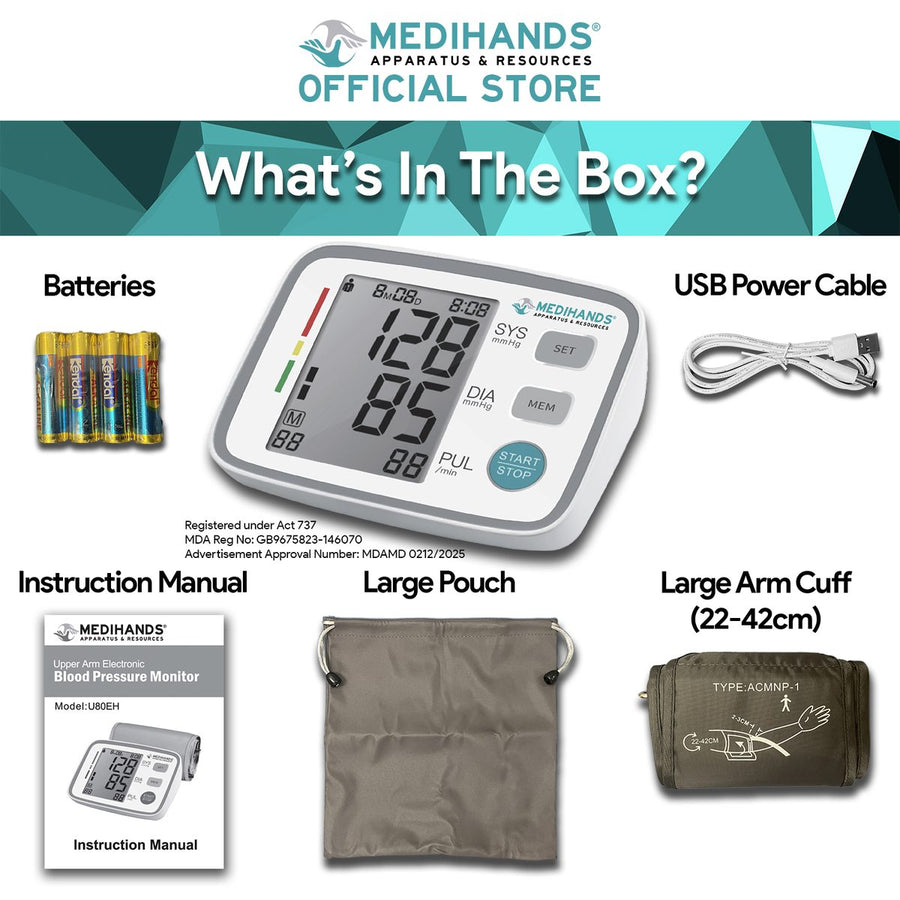
- The monitor runs on 4 AA batteries or on the USB power cable in the box. If the low-battery symbol appears, replace all 4 batteries together with new ones of the same type.
- The cuff in the box is size L and fits upper arms of 22 to 42 cm. Use only the cuff supplied with the monitor.
- The monitor is registered for home use by people over 12 years old. It is not suitable for infants and children.
- If you have an irregular heartbeat, diabetes, a blood circulation problem or have had a stroke, use the monitor under your doctor's instructions.
- The monitor cannot be used by people with severe heart insufficiency.

Set the User, Date and Time
- With the monitor off, press SET. The screen shows user 1 or user 2.
- Press MEM to switch between user 1 and user 2, then press SET to confirm.
- The year flashes. Press MEM to change it, then SET to confirm. Do the same for the month, date, hour and minute.
Prepare for the Reading
- Rest for five to ten minutes before you measure.
- Do not eat, drink alcohol, smoke, exercise or bathe for 30 minutes before you measure.
- Take off any clothing that fits closely on your upper arm.
- Sit in a comfortable, relaxed position and do not tense the muscles in the arm you are measuring. Rest your arm on a table with a cushion for support if you need to.
- Measure on the same arm every time (normally the left).
- Measure at the same time of day each day, because blood pressure changes during the day.
- Do not measure while talking, or near a mobile phone or other strong disturbance.
Fit the Cuff
- Put the cuff flat on a table with the velcro side down. Pass the end of the cuff through the metal loop to form a circle, with the velcro facing outwards. (Skip this if the cuff is already prepared.)
- Push the cuff over your left upper arm so that the tube points towards your lower arm.
- Wrap the cuff around the arm. Leave a gap of about 2 to 3 cm between the cuff and your elbow joint.
- Pull the free end of the cuff and close it with the velcro.
- The cuff should be snug, but you should be able to fit 2 fingers between the cuff and your arm. Clothing must not restrict the arm.
- Rest your arm on a table with the palm facing up, so the cuff is at the same height as your heart. Do not bend the tube.
If you cannot fit the cuff to your left arm, you can use your right arm. Always use the same arm for all your readings.
Take a Reading
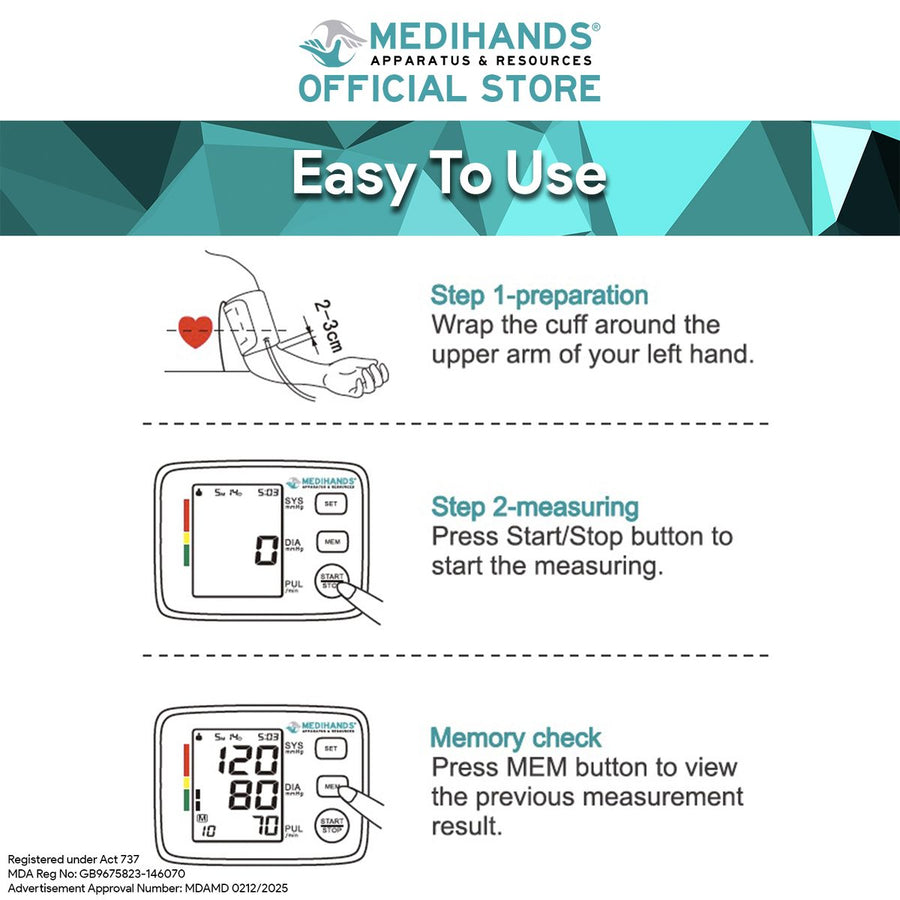
- Press START/STOP. All symbols appear on the display, then the cuff inflates.
- When the monitor has reached the right pressure, the cuff slowly deflates.
- When the monitor senses your pulse, the heart symbol flashes.
- When the reading is finished, your systolic pressure, diastolic pressure and pulse rate show on the display.
- The reading stays on the display. The monitor switches itself off after 3 minutes, or press START/STOP to switch it off.
To take another reading, wait at least 5 minutes, or hold your arm up for a moment first, so the blood can flow away from the arm. Repeated readings taken straight after each other can be affected by blood building up in the arm.
If you need to stop a reading at any time, for example if you feel unwell, press START/STOP. The cuff deflates straight away.
Look at Past Readings
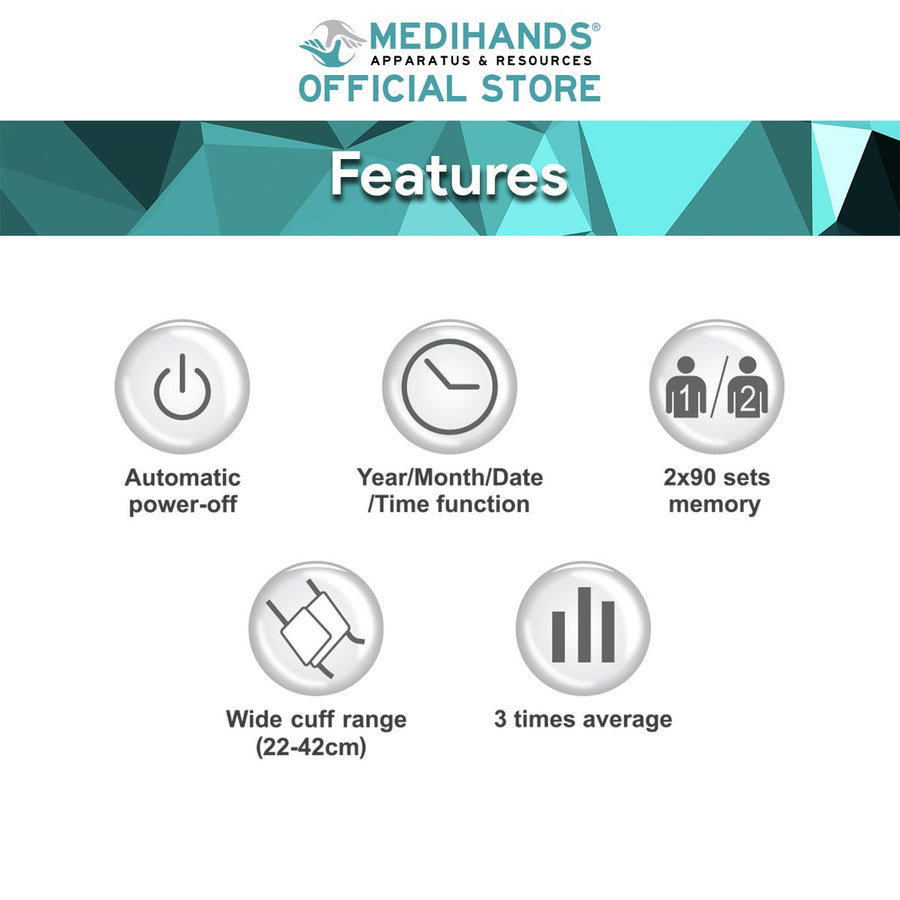
- The monitor stores 2 × 90 readings: 90 for each of the two users. When it is full, the oldest reading is replaced by the newest.
- With the monitor off, press MEM. The average of your latest 3 readings appears first. Press MEM again to see your last reading, then your earlier readings one by one.
- To clear the memory, hold SET while the monitor is off until "CL" appears. Press START/STOP to clear all memories.
If the Display Shows an Error
| Display | What it means | What to do |
|---|---|---|
| E-1 | Weak signal or sudden pressure change | Wrap the cuff properly and measure again |
| E-2 | Strong disturbance near the monitor | Measure again, stay quiet and do not talk |
| E-3 | Problem during inflation | Wrap the cuff properly, check the air plug is pushed in, measure again |
| E-5 | Abnormal reading | Relax for 30 minutes, then measure again. If it appears 3 times, please talk to your doctor |
| Battery symbol | Low battery | Replace all 4 batteries |
The monitor needs no calibration and has no parts you can repair yourself. Please contact us if it will not work.
Keep a Readings Log
- Write down the date and time.
- Write down your systolic pressure, diastolic pressure and pulse rate.
- Note anything your doctor asked you to record.
- Bring the log to your appointments.
What Your Readings Mean
Only your doctor can tell you that. Medihands does not give "normal" or "high" ranges. Please consult your healthcare professional for the interpretation of result and diagnosis.
Care of Your Monitor
- Wipe the monitor with a soft, dry cloth. Do not use thinner, petrol or other strong cleaners, and never put it in water.
- To clean the cuff, wipe it with a soft cloth dampened with a mixture of distilled water and 10 percent detergent or bleach, then wipe off the moisture and let it air dry flat. Do not let water get into the monitor.
- Store it in a clean, dry place away from direct sunlight and extreme heat or cold. Take the batteries out if you will not use it for 3 months or longer.
Common Questions
How many readings does it store?
2 × 90: two users, 90 readings each.
Which arm size does the cuff fit?
22 to 42 cm.
Can children use it?
It is registered for people over 12 years old and is not suitable for infants and children.
Where do I find the registration number?
GB9675823-146070, on the product page; you can check it on the MDA register.
Order online and we deliver to your door, with free shipping within West Malaysia. See the Blood Pressure Monitor →
Please consult your healthcare professional for the interpretation of result and diagnosis. Medihands devices are for personal home use and do not replace advice from your doctor. Talk to your doctor about what your readings mean for you.
Last updated: November 2026